RHEL 10 UEFI Secure Boot:重制 ISO、OVMF 与 mokutil
This content is not available in your language yet.
RHEL 10 的安装介质默认同时支持 BIOS/UEFI;自己重制 ISO 时最容易丢的是 UEFI El Torito 入口 和 LABEL 一致性。本页记录在 OVMF(预置密钥)下把重制 ISO 真正以 UEFI 启动,并用 mokutil 确认 Secure Boot 状态。
| 项目 | 值 |
|---|---|
| 虚拟化 | PVE 399,bios=ovmf,efidisk0 ... pre-enrolled-keys=1 |
| 介质 | 重制 hybrid ISO(BIOS + UEFI) |
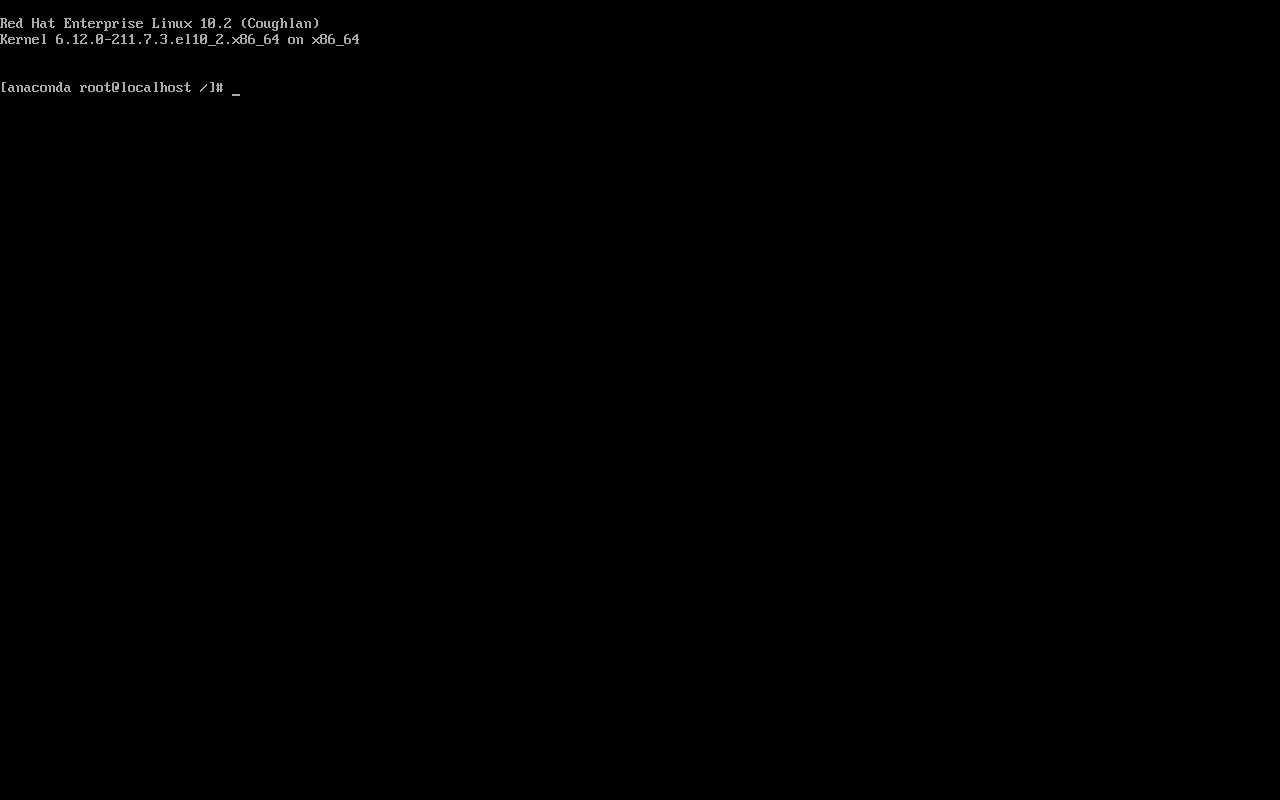
| 安装环境内核 | 6.12.0-211.7.3.el10_2 |
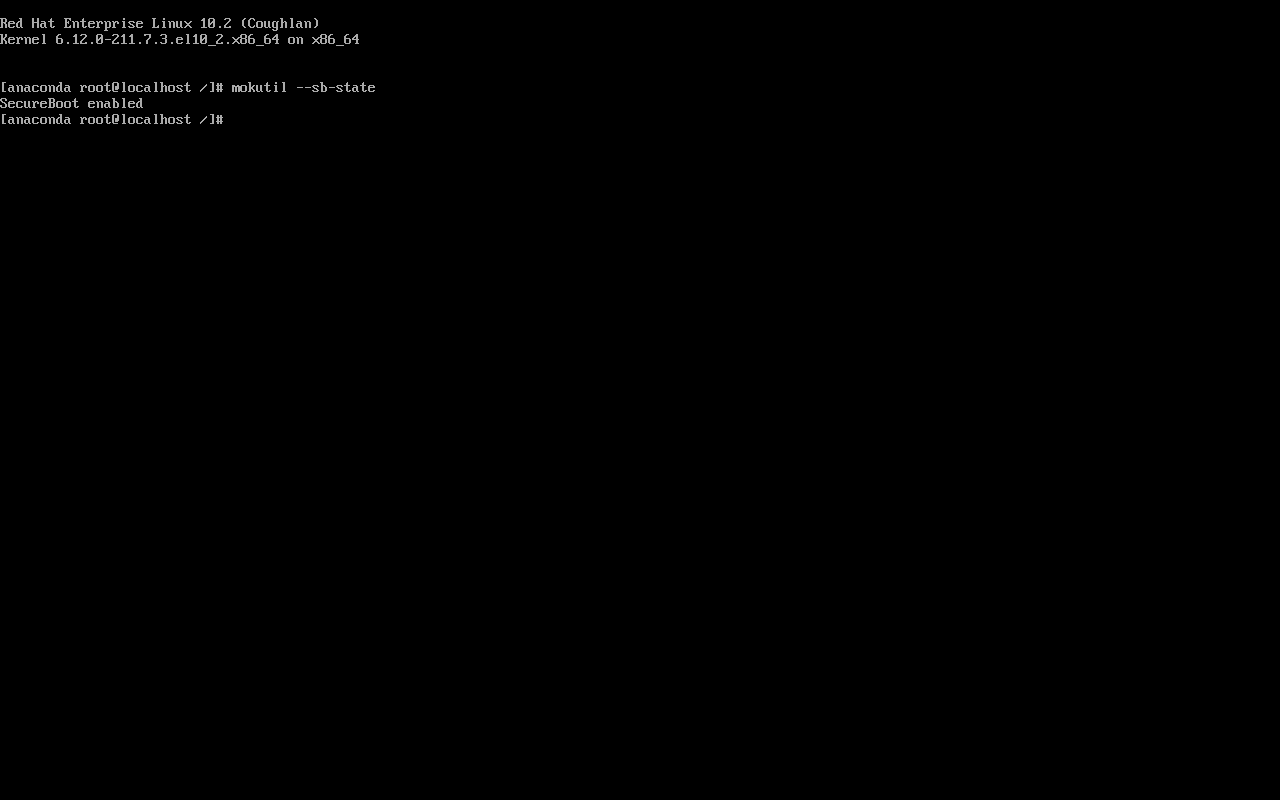
| Secure Boot | mokutil --sb-state → SecureBoot enabled |
E3 记录:plans/content-expansion/evidence/rhel/rhel-secureboot/run.json;截图在同目录 shots/。
先给结论:三件事
Section titled “先给结论:三件事”- OVMF 要预置密钥(
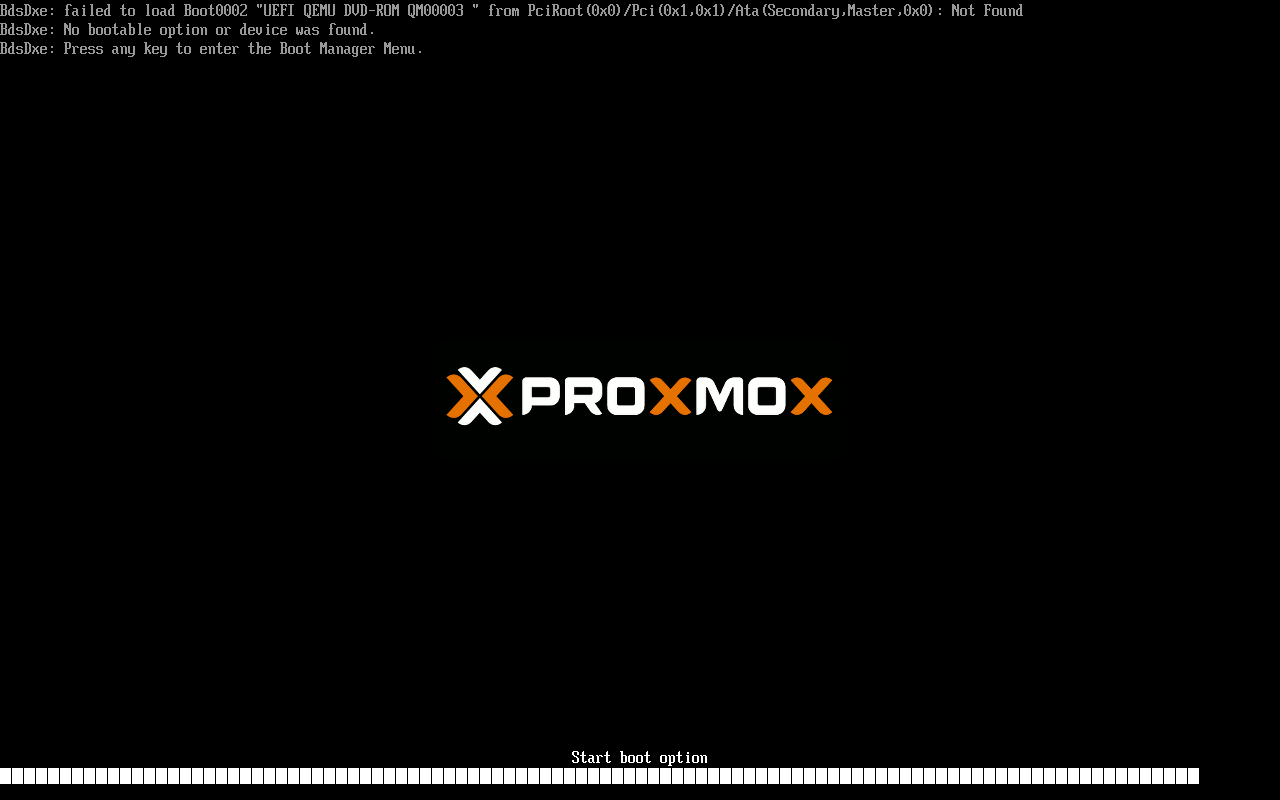
pre-enrolled-keys=1),否则 Secure Boot 不启用; - ISO 要有 UEFI El Torito 项,只保留 BIOS 项时 OVMF 报
Failed to load Boot0002 UEFI QEMU DVD-ROM; - ISO label 要与
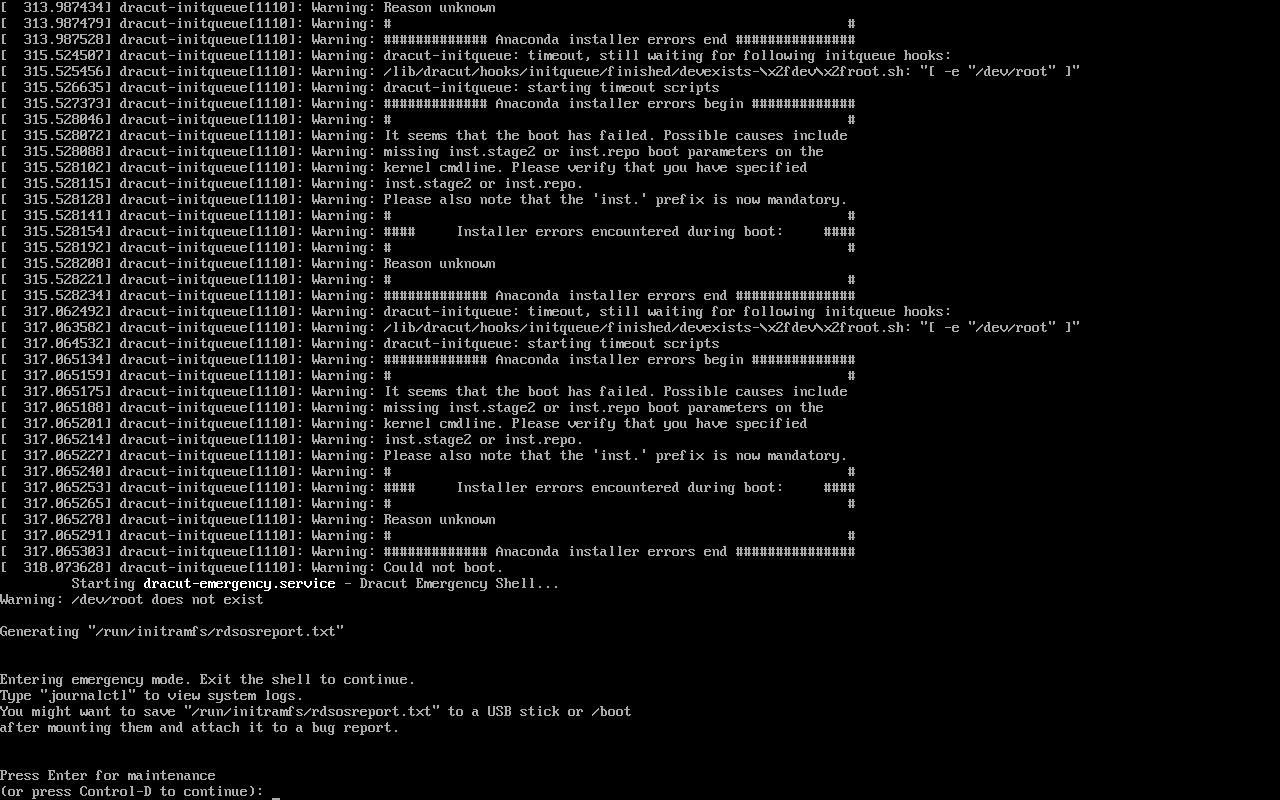
EFI/BOOT/grub.cfg的inst.stage2=hd:LABEL=...一致,否则 dracut 找不到 stage2,进 emergency shell。
OVMF 配置
Section titled “OVMF 配置”qm set 399 --bios ovmf \ --efidisk0 local-lvm:0,efitype=4m,pre-enrolled-keys=1 \ --ide2 rheltmp:iso/rhel-uefi.iso,media=cdrom \ --boot order=ide2pre-enrolled-keys=1 会写入 Microsoft/Red Hat 的预置证书,RHEL 的 shim/grub 才能通过校验。
hybrid ISO
Section titled “hybrid ISO”只做 BIOS 入口:
genisoimage -o rhel.iso -b images/eltorito.img -c boot.catalog \ -no-emul-boot -boot-load-size 4 -boot-info-table ...OVMF 不认。需要补 UEFI 入口,并准备一个 FAT 的 efiboot.img(内含 EFI/BOOT/BOOTX64.EFI、grubx64.efi、grub.cfg):
genisoimage -o rhel-uefi.iso \ -b images/eltorito.img -c boot.catalog \ -no-emul-boot -boot-load-size 4 -boot-info-table \ -eltorito-alt-boot -e efiboot.img -no-emul-boot \ -V RHEL-10-2-BaseOS-x86_64 .-V 必须等于 grub.cfg 里的 inst.stage2=hd:LABEL=...。本次第一次用了 RHEL-10-2-0-BaseOS-x86_64,结果:
dracut-initqueue: Warning: /dev/root does not existGenerating "/run/initramfs/rdsosreport.txt"Entering emergency mode.改回 RHEL-10-2-BaseOS-x86_64 后正常加载 stage2。
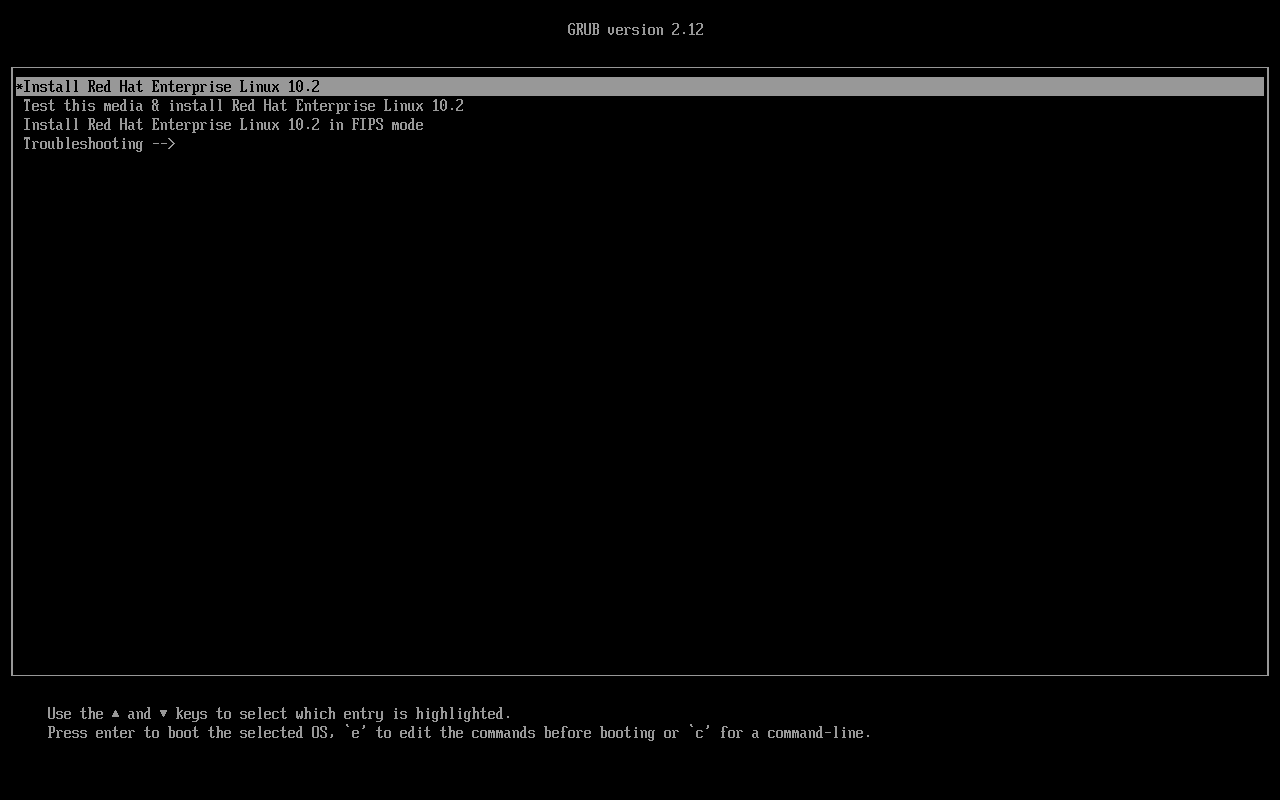
UEFI 启动
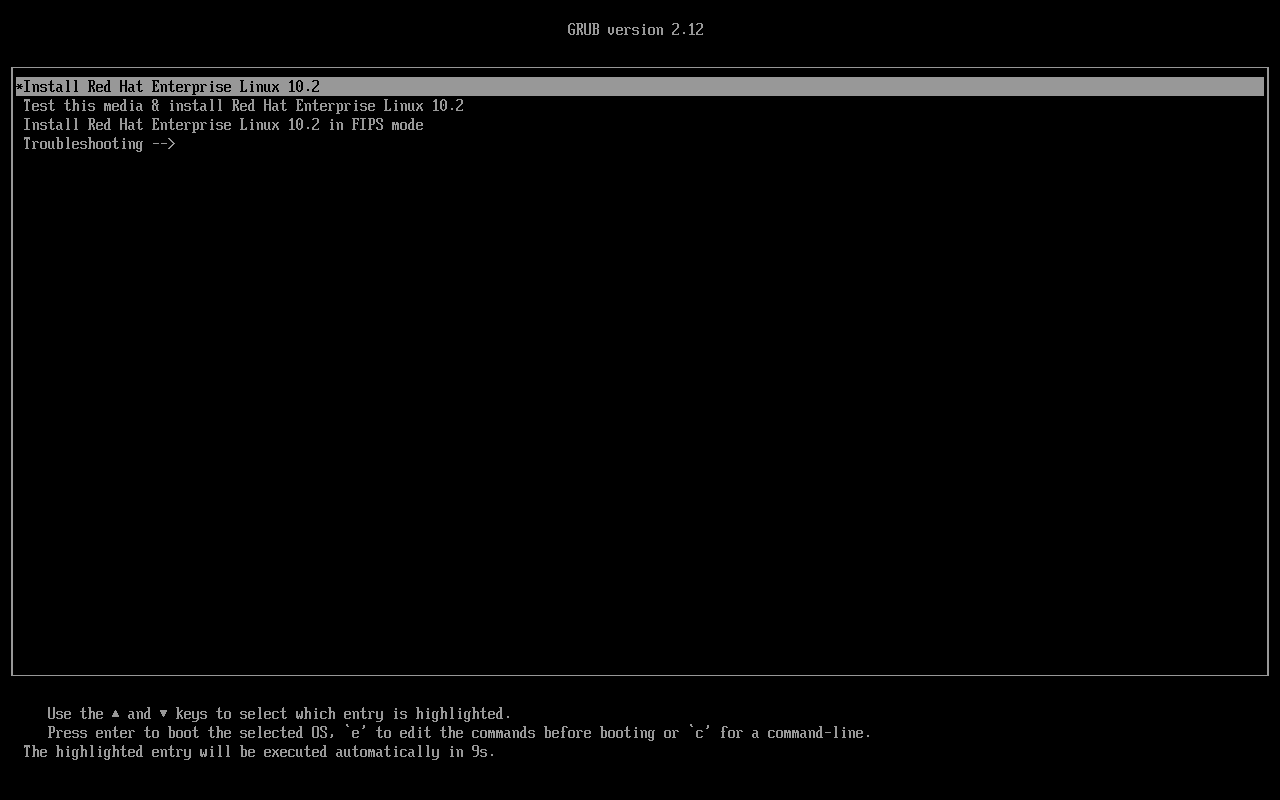
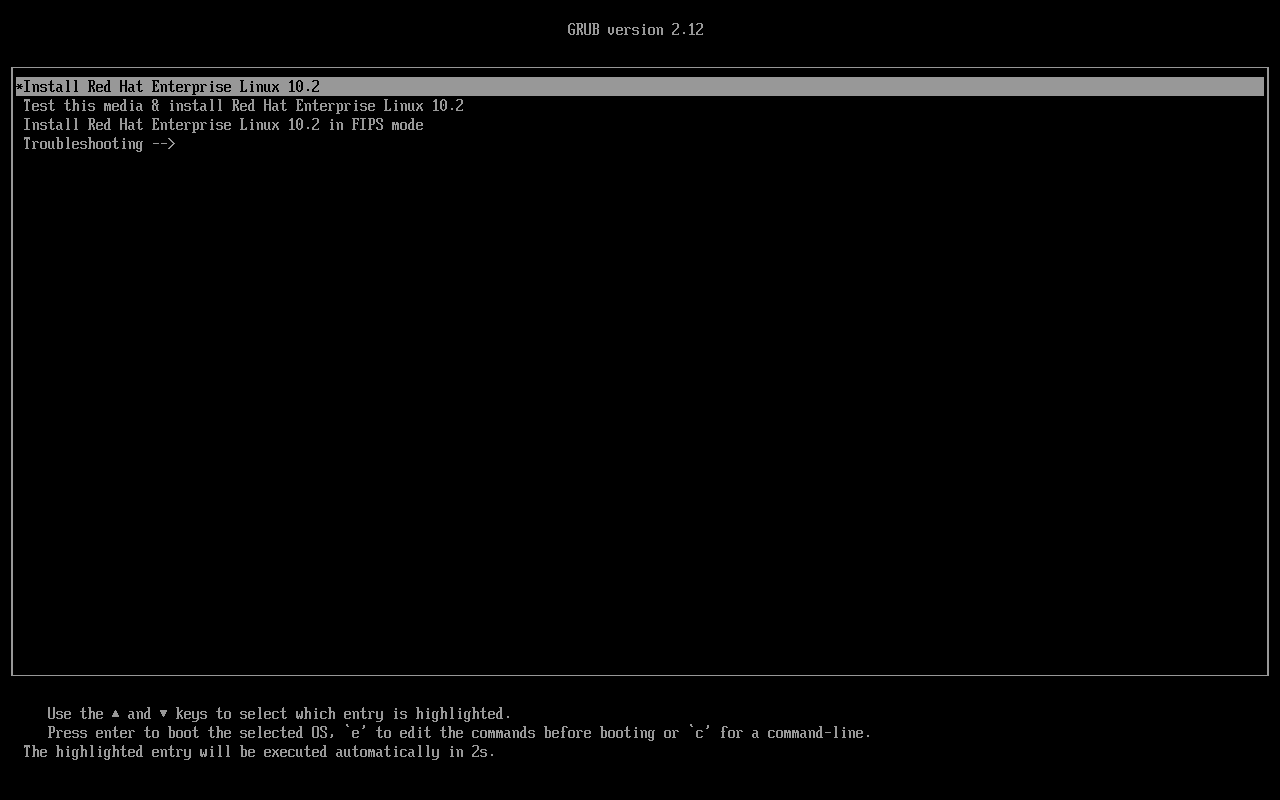
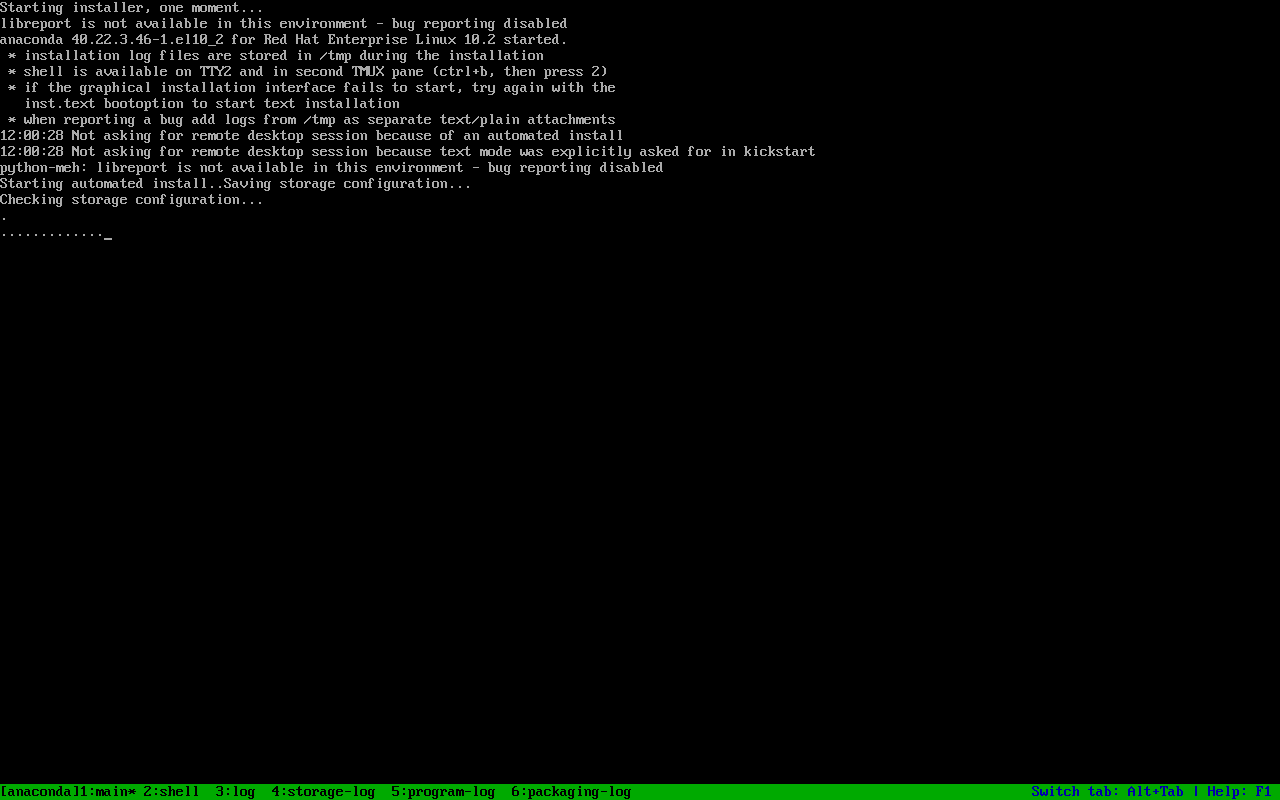
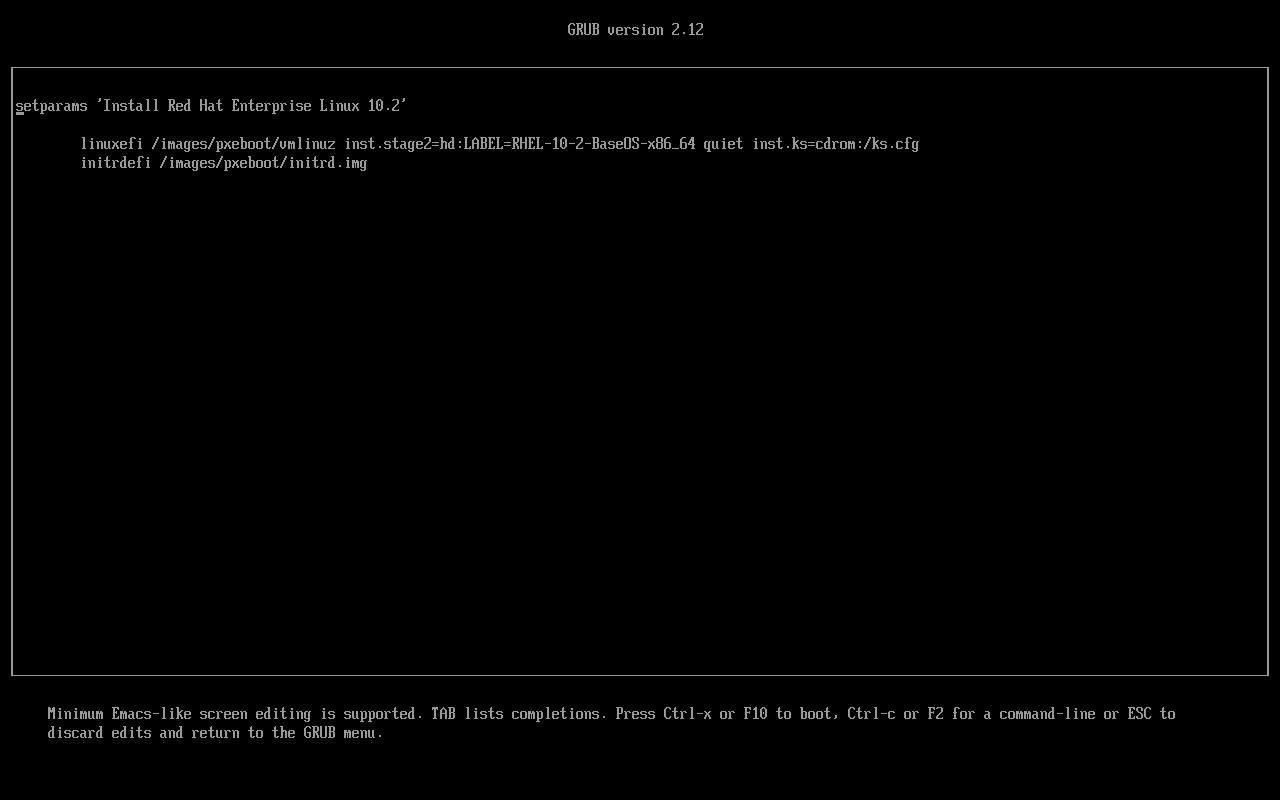
Section titled “UEFI 启动”GRUB version 2.12*Install Red Hat Enterprise Linux 10.2 Test this media & install Red Hat Enterprise Linux 10.2 Install Red Hat Enterprise Linux 10.2 in FIPS mode Troubleshooting -->进入 Anaconda 后,EFI/BOOT/grub.cfg 的 linuxefi 行会带 inst.stage2=hd:LABEL=... 与 inst.ks=cdrom:/ks.cfg。
mokutil
Section titled “mokutil”在 Anaconda 的 TTY2 shell(ctrl-alt-f2):
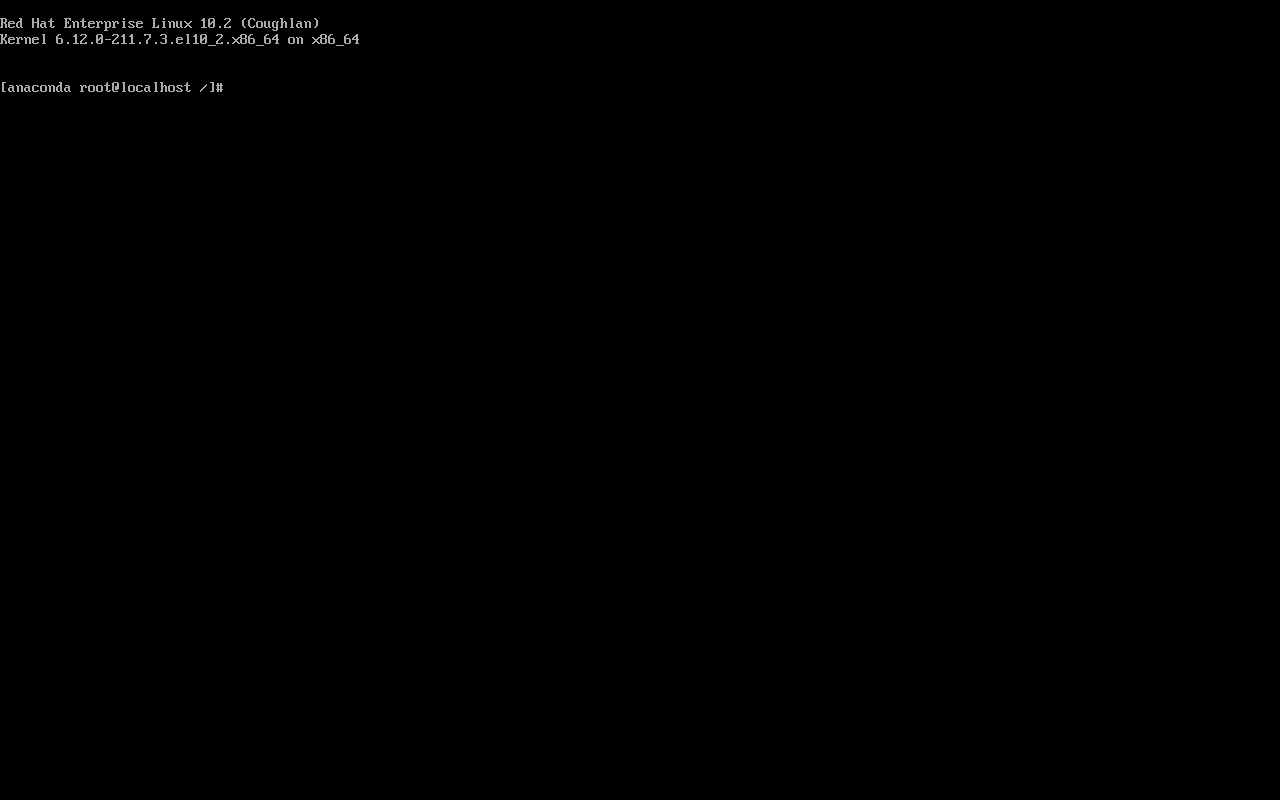
[root@localhost /]# mokutil --sb-stateSecureBoot enabled安装环境内核:
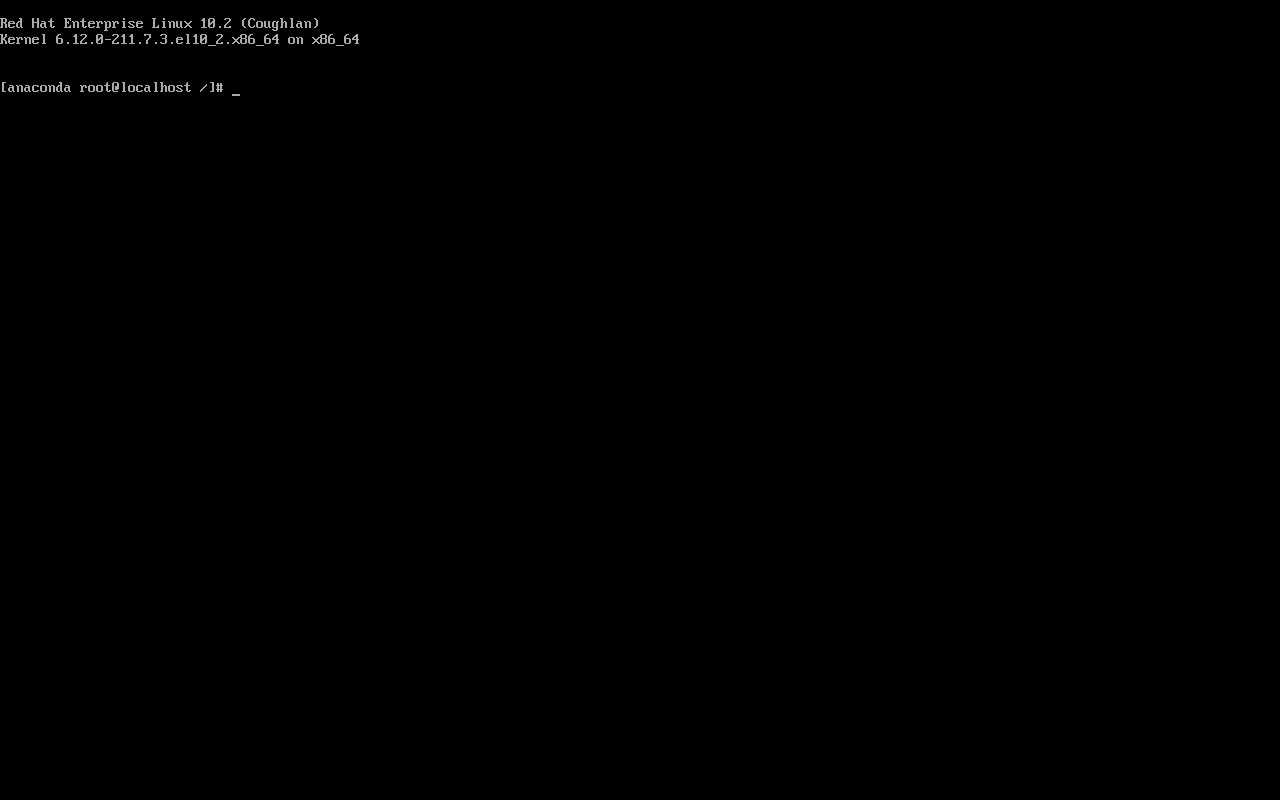
Red Hat Enterprise Linux 10.2 (Coughlan)Kernel 6.12.0-211.7.3.el10_2.x86_64 on x86_64未完成的拒绝测试
Section titled “未完成的拒绝测试”本来想用 390 上编译的 hello.ko 在安装环境 insmod,验证 “Key was rejected by service”。但:
- 安装环境内核是 6.12.0-211.7.3;
- 390 的
hello.kovermagic 是 6.12.0-211.73.1。
vermagic 不匹配会先报 invalid module format,无法把失败归因于签名。要补这个测试,需要针对 .7.3 装 kernel-devel 重编,或等安装到磁盘后在目标系统里做。
- OVMF 用
pre-enrolled-keys=1; - ISO 有 UEFI El Torito 项(
-eltorito-alt-boot -e efiboot.img); - ISO label 与
inst.stage2一致; -
mokutil --sb-state为 enabled; - 拒绝测试用同内核版本的未签名模块;
- 记录内核版本,避免 vermagic 混淆。
未实测与边界
Section titled “未实测与边界”- 未完成
insmod未签名模块被拒(vermagic 不匹配); - 未完成 MOK 注册/签名;
- 未测试安装到磁盘后的 Secure Boot 启动链;
- 未测试证书轮换。
- RHEL 10 编译内核模块 — vermagic/taint
- RHEL 10 采用评估 — 安全启动要求
- 官方:Managing, monitoring, and updating the kernel
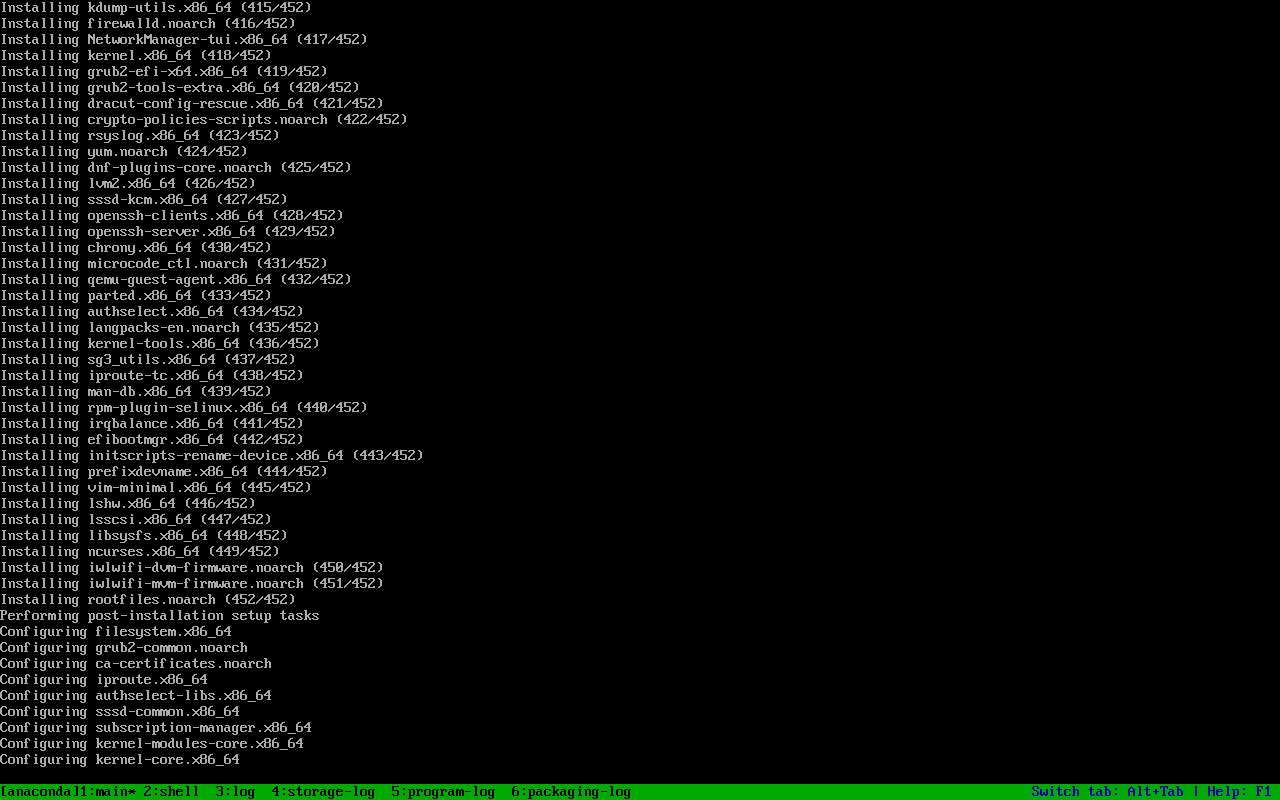
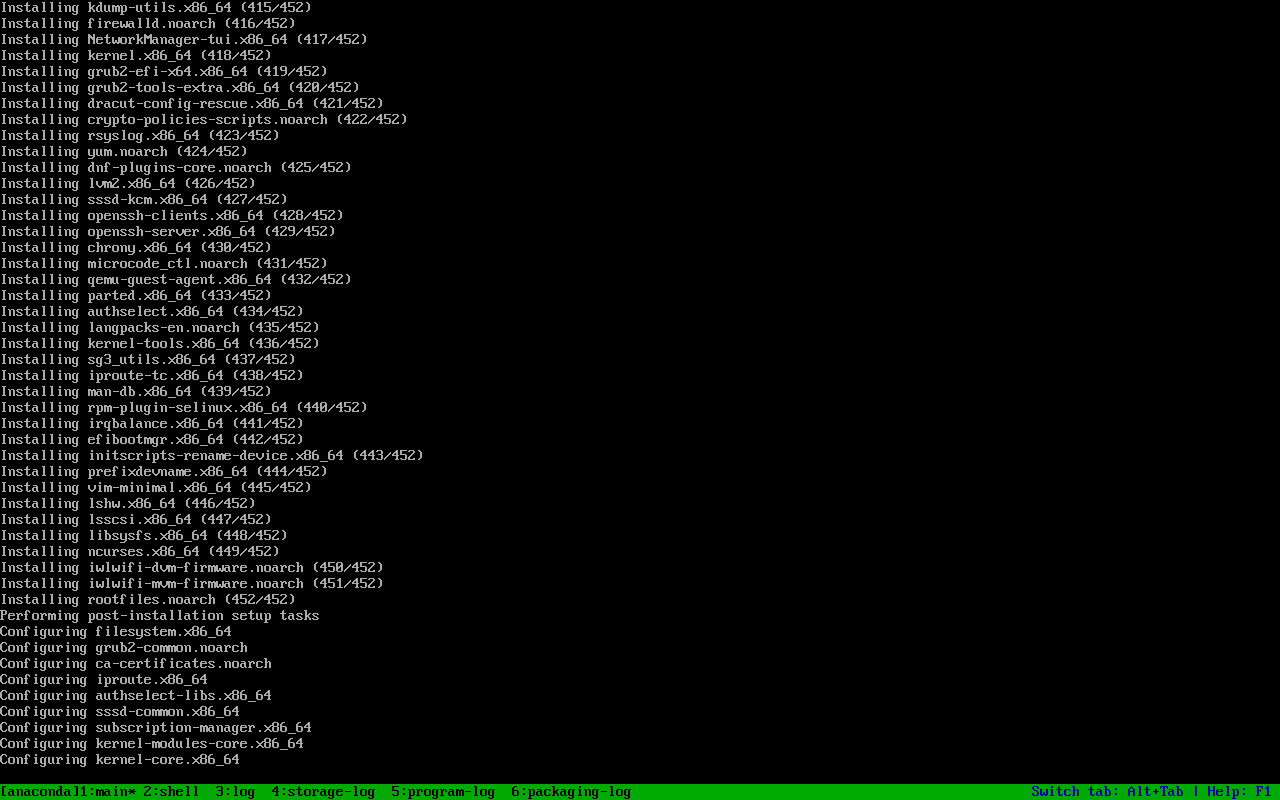
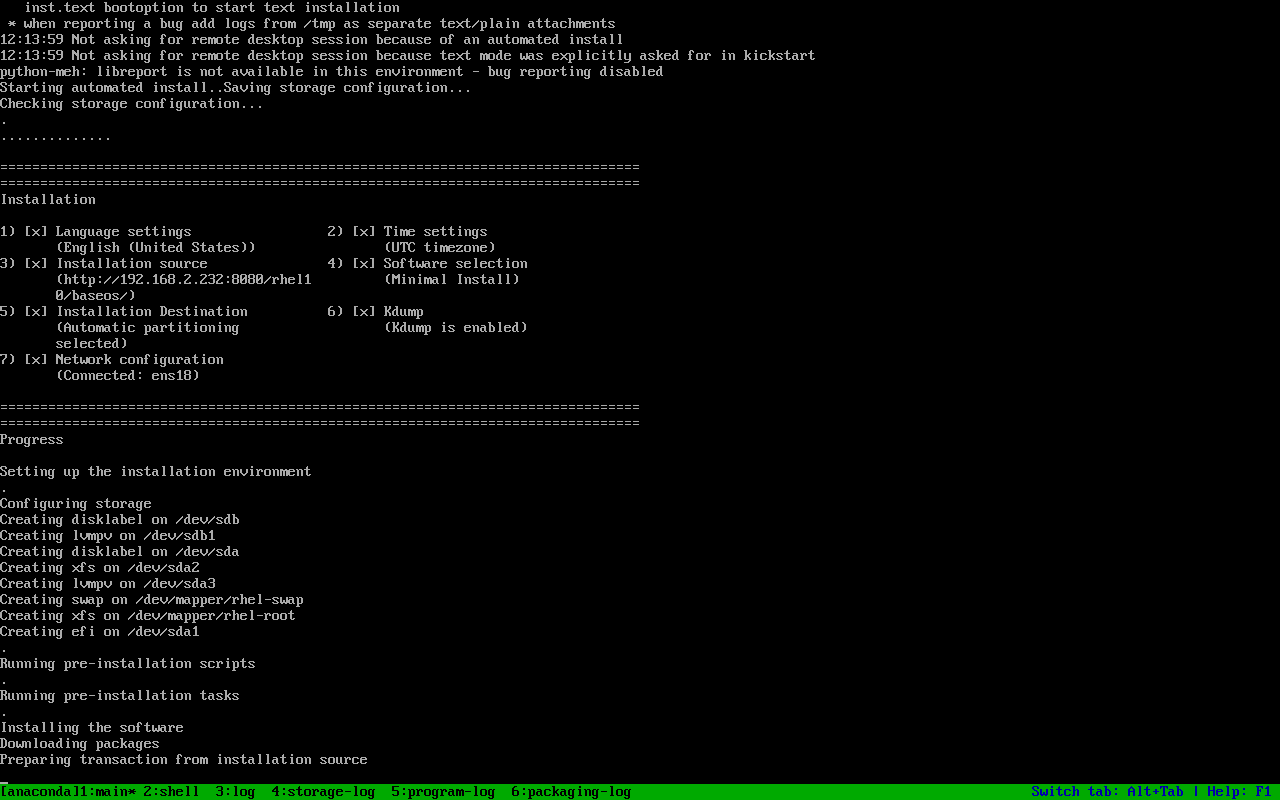
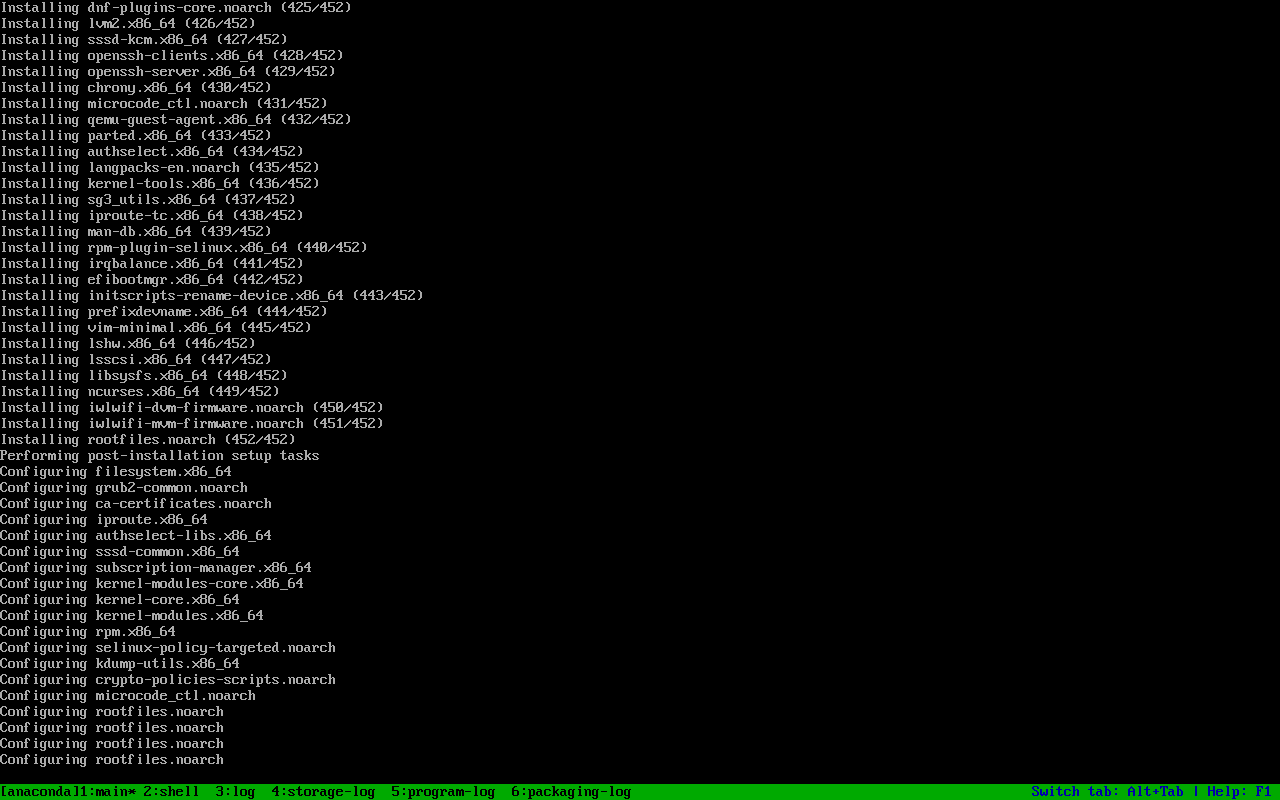
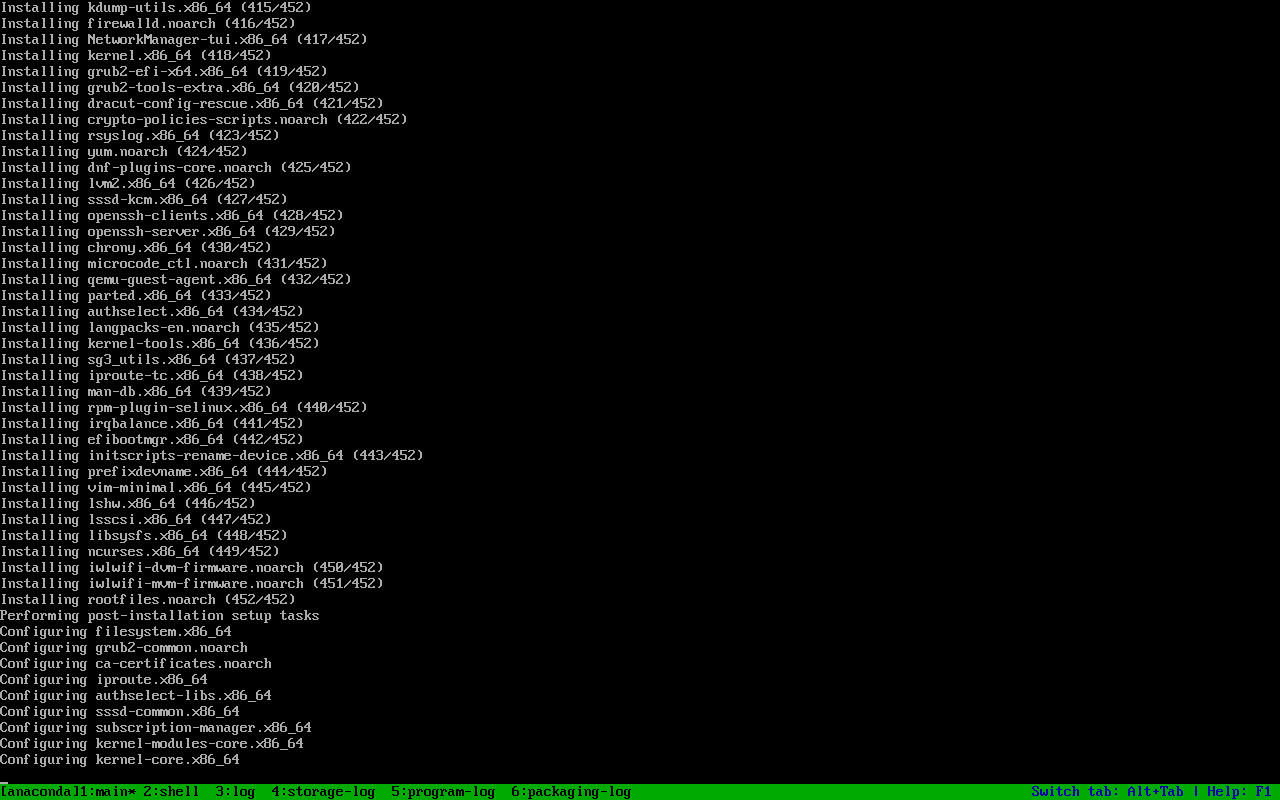
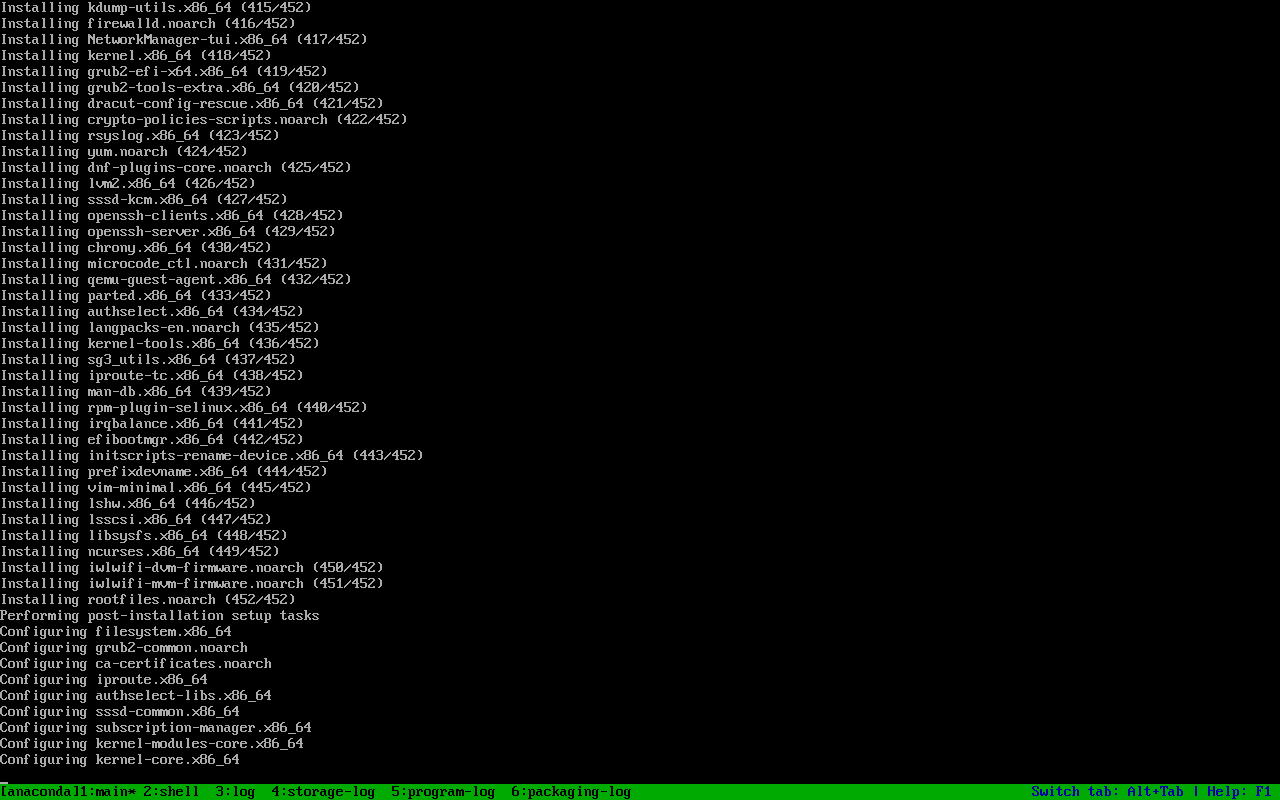
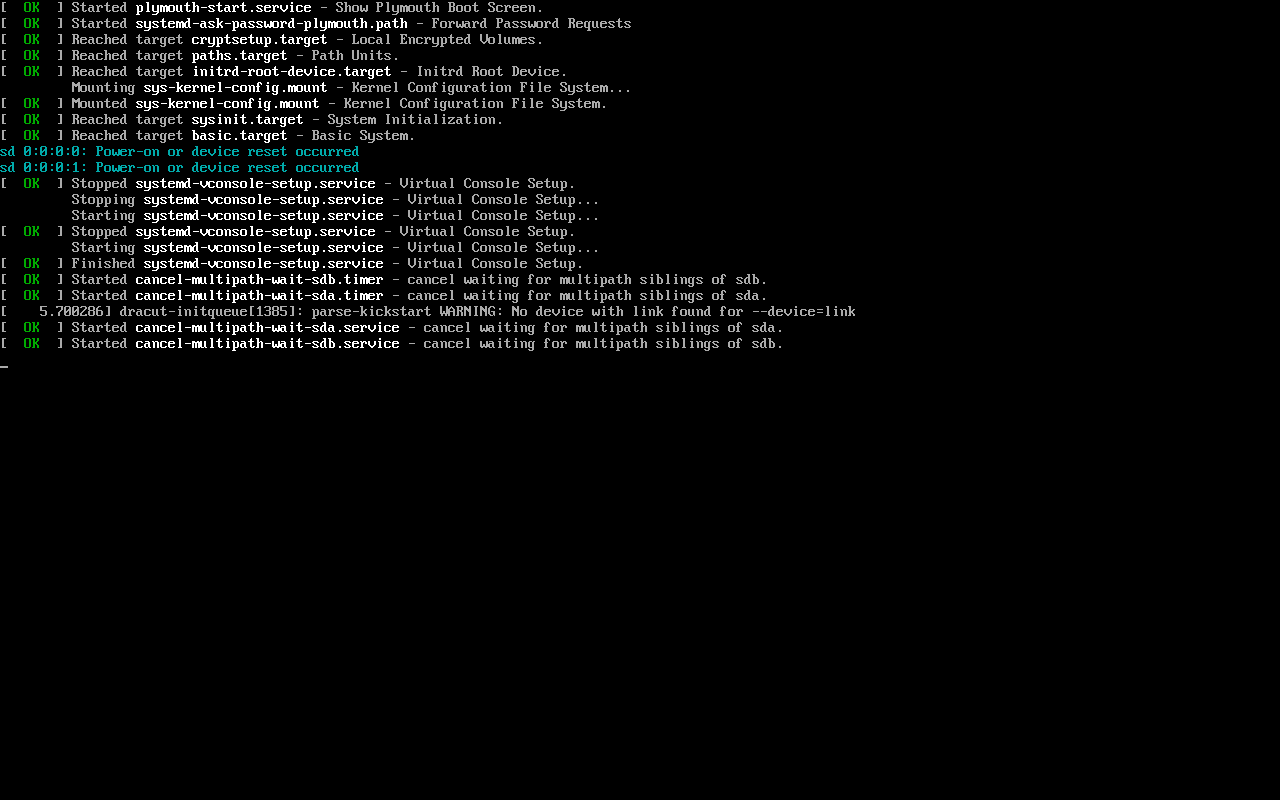
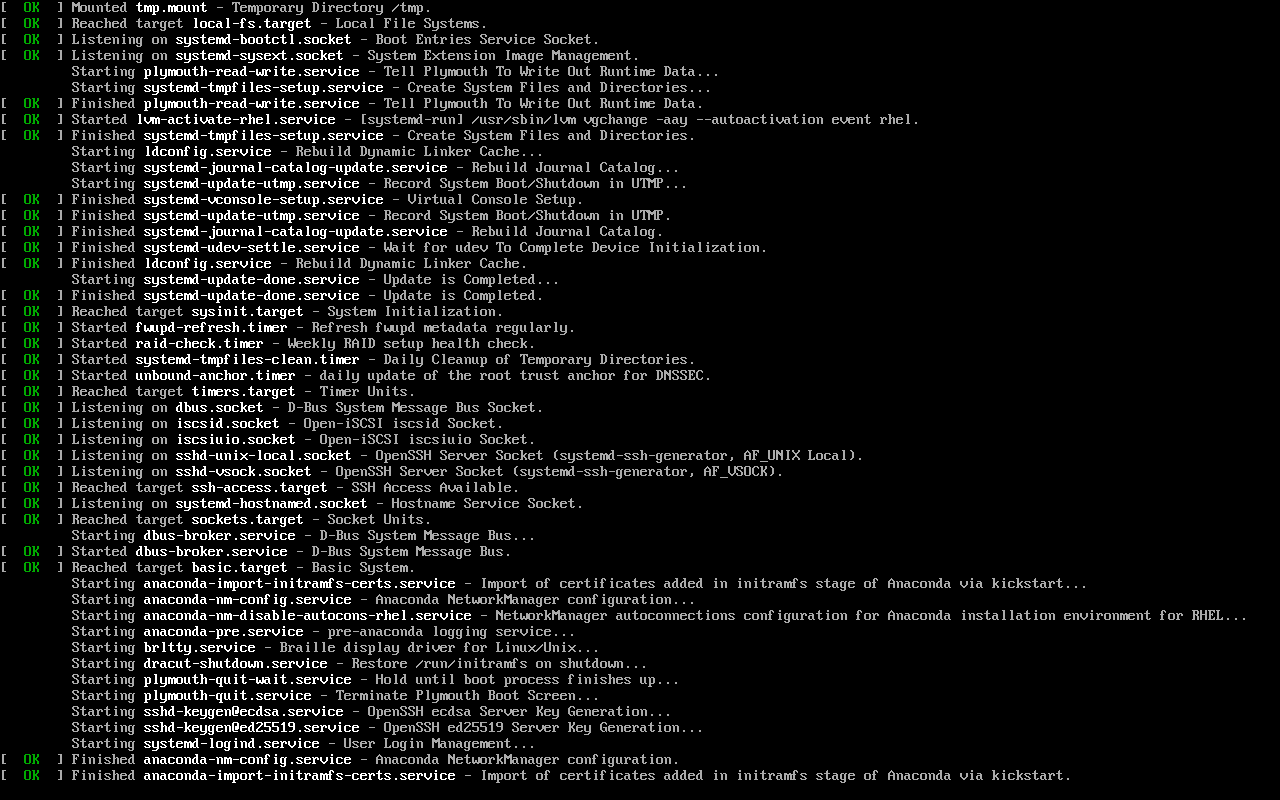
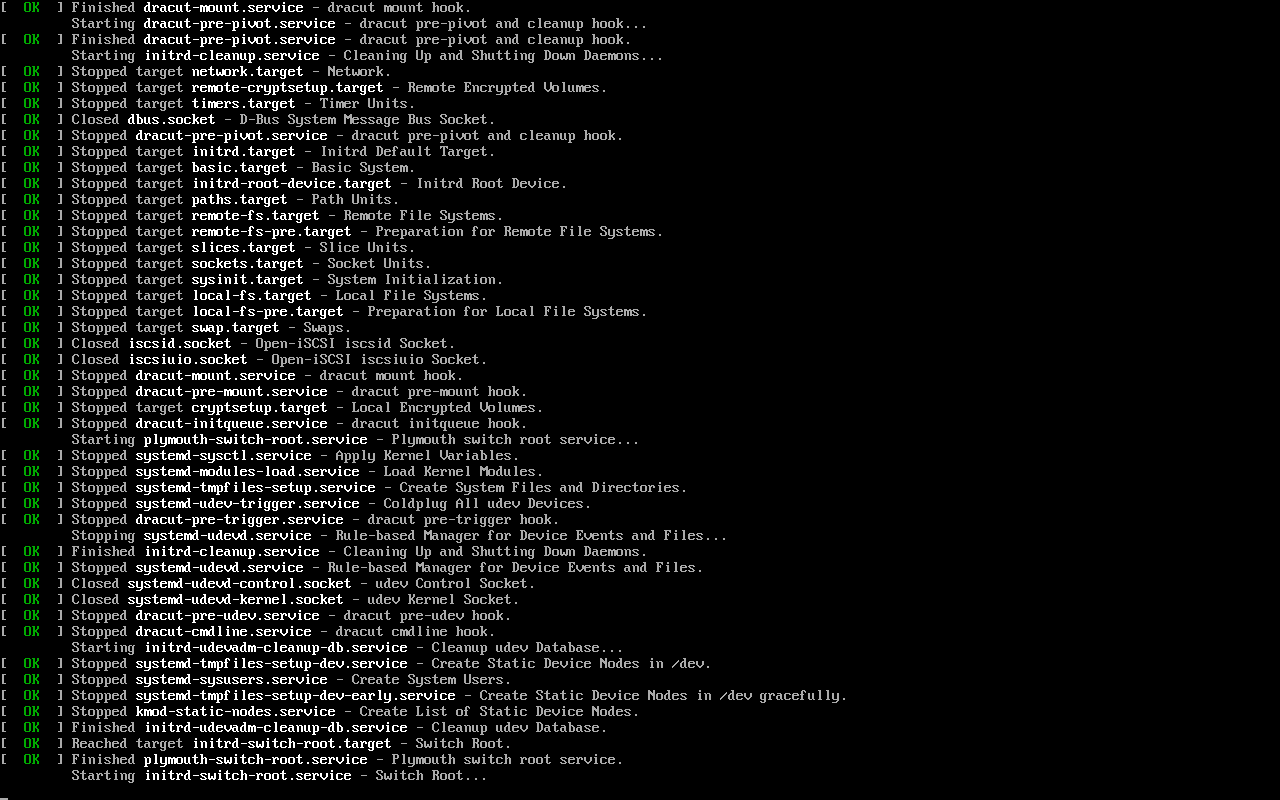
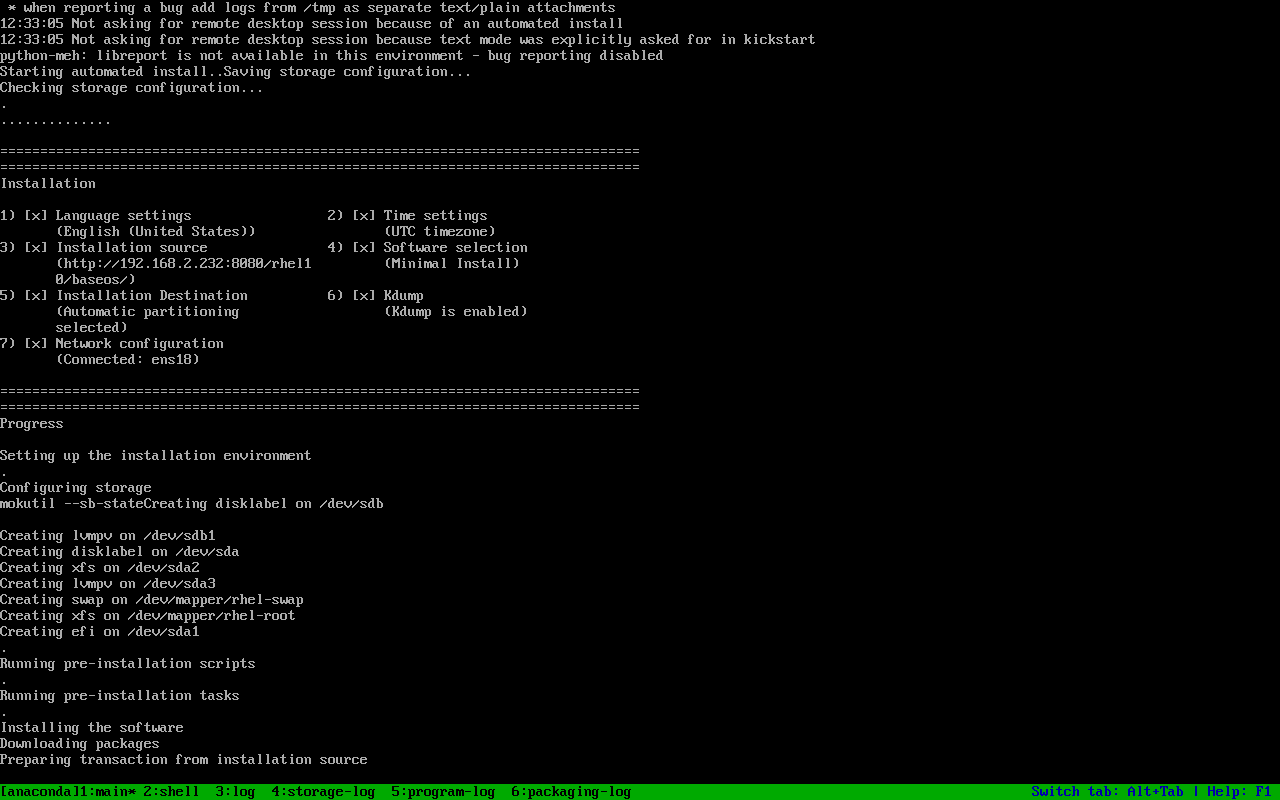
以下截图来自 PVE 上的实测环境,仅保留关键步骤。
更多过程截图
Section titled “更多过程截图”展开查看完整过程(15 张)